

Starting digital marketing without the right tools is like trying to build a house with your bare hands. You can try, but it’s going to be slow, frustrating, and messy.
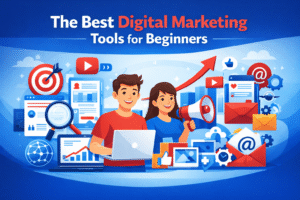
The good news? The best digital marketing tools for beginners are more accessible than ever — many are free, most are beginner-friendly, and all of them can save you hours of guesswork every week. This guide walks you through exactly what tools to use, why they work, and how to start without feeling overwhelmed.
What Are Digital Marketing Tools and Why Beginners Need Them
Digital marketing tools are software platforms that help you promote a business, brand, or website online. They handle tasks like finding the right keywords, scheduling social media posts, sending emails to subscribers, and tracking how your website is performing.
Without these tools, you’re essentially flying blind. You wouldn’t know if your content is reaching anyone, which posts are working, or why your website isn’t showing up on Google.
For beginners especially, these tools act like training wheels — they guide your decisions, automate repetitive tasks, and help you learn faster by showing you real data.
How We Chose the Best Digital Marketing Tools for Beginners
Not every tool on the market deserves a spot on this list. Here’s what made the cut:
- Ease of use — Can a complete beginner figure it out within an hour?
- Free plan or affordable pricing — Does it let you start without a credit card?
- Low learning curve — Does it offer tutorials, tooltips, or onboarding guides?
- Real beginner value — Does it actually help someone with no experience grow?
Every tool below passed all four tests
Best Digital Marketing Tools for Beginners
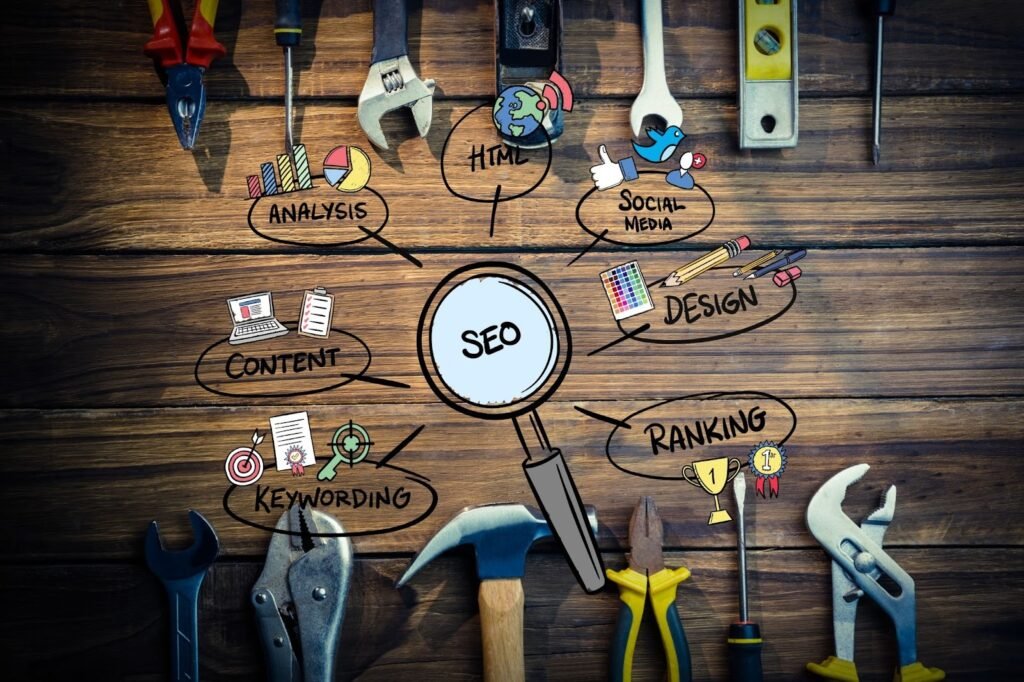
SEO Tools — Get Found on Google
Ubersuggest
Ubersuggest, built by marketing expert Neil Patel, is one of the friendliest SEO tools for new marketers. It shows you what keywords people are searching for, how competitive those keywords are, and what your competitors are ranking for.
Why it’s beginner-friendly: The dashboard is clean, the data is explained in plain English, and the free plan gives you enough to get started.
Best use case: Finding low-competition keywords for your blog or website before you write a single word.
Google Search Console
This free tool from Google tells you exactly how your site appears in search results — which pages rank, what people searched to find you, and whether Google can even crawl your site properly.
Why it’s beginner-friendly: It’s free, directly connected to Google, and includes a beginner setup guide.
Best use case: Monitoring your site’s SEO health and discovering which pages need improvement.
Social Media Marketing Tools — Post Smarter, Not Harder
Buffer
Buffer lets you write your social media posts in advance and schedule them to go live at the best times — even when you’re asleep or away from your desk.
Why it’s beginner-friendly: The interface is one of the simplest in the industry. You connect your accounts, write your post, pick a time, and you’re done.
Best use case: Managing Instagram, Facebook, LinkedIn, and X (Twitter) from one place without logging into each platform separately.
Hootsuite
Hootsuite is slightly more advanced than Buffer but offers a broader feature set, including basic analytics and team collaboration tools.
Why it’s beginner-friendly: Hootsuite Academy offers free beginner courses that teach you how to use the platform and social media strategy at the same time.
Best use case: When you’re ready to manage multiple brands or accounts and want performance data alongside scheduling.
Email Marketing Tools — Build a List, Build a Business
Mailchimp
Mailchimp is the starting point for most beginners in email marketing — and for good reason. It lets you build an email list, design newsletters, automate welcome emails, and track open rates, all from one dashboard.
Why it’s beginner-friendly: The drag-and-drop email builder requires zero design experience. Templates are ready to customize in minutes.
Best use case: Sending your first email newsletter or setting up an automated welcome sequence for new subscribers.
Analytics & Tracking Tools — Know What’s Actually Working
Google Analytics 4 (GA4)
Google Analytics is the industry standard for tracking website traffic. It shows you how many people visit your site, where they come from, what pages they read, and how long they stay.
Why it’s beginner-friendly: Google offers free tutorials and certification courses through Skillshop. The new GA4 dashboard also uses more natural language than older versions.
Best use case: Understanding your audience — what content they love, where they drop off, and which traffic sources are worth your time.
Content & Design Tools — Look Professional from Day One
Canva
Canva is a graphic design tool that makes it possible for anyone — even someone who’s never touched Photoshop — to create professional-looking visuals. Social media graphics, blog banners, presentations, and even short videos are all possible here.
Why it’s beginner-friendly: Thousands of ready-made templates mean you never start from a blank page. The free plan is genuinely powerful.
Best use case: Creating consistent, on-brand visuals for social media, blog posts, or marketing campaigns without hiring a designer.
Free vs Paid Digital Marketing Tools for Beginners
Here’s a question every beginner asks: Do I need to pay for anything?
When free tools are enough: If you’re just starting out, building your first website, growing a small audience, or learning the basics, free plans are absolutely sufficient. Tools like Google Analytics, Canva (free), Mailchimp (free up to 500 contacts), and Google Search Console cost nothing and still deliver real value.
When upgrading makes sense: Once you’re generating consistent traffic or revenue, paid plans unlock features that save significant time — more keywords in Ubersuggest, advanced scheduling in Buffer, deeper analytics in Mailchimp. Upgrading is worth it when the tool is actively helping you grow, not before.
The smart move: exhaust the free plan first. Upgrade only when you hit a wall.
How Beginners Should Start Using Digital Marketing Tools
Starting with too many tools at once is one of the most common mistakes new marketers make. Here’s a smarter approach:
Step 1: Start with one goal. Want more website traffic? Focus on SEO tools. Want social media growth? Start with Buffer.
Step 2: Learn one tool at a time. Spend two to four weeks genuinely using a tool before adding another.
Step 3: Use the free tutorials. Every tool on this list has YouTube tutorials, help centers, or built-in onboarding. Use them.
Step 4: Track your results. Even if it feels early, set up Google Analytics from day one. You’ll thank yourself in three months.
Common mistakes to avoid:
- Paying for tools before understanding the free version
- Jumping between platforms without giving any one tool time to work
- Ignoring analytics because the data feels intimidating
Conclusion
Digital marketing doesn’t have to feel overwhelming, especially when you have the right tools in your corner. The best digital marketing tools for beginners aren’t the most expensive or the most complex — they’re the ones you’ll actually use consistently and learn from along the way.
Start small. Pick one goal, choose one or two tools from this list, and commit to learning them properly before expanding your toolkit. Canva can make you look professional from week one. Google Analytics can show you what’s working. Mailchimp can help you build an audience you actually own.
The biggest mistake beginners make isn’t choosing the wrong tool — it’s waiting too long to start. Pick one from this list today and just begin.
FAQs
1. Are free digital marketing tools enough for beginners?
Yes, free digital marketing tools are more than enough for beginners. Most tools offer free plans that allow beginners to learn core concepts, test strategies, and gain hands-on experience before upgrading to paid versions.
2. Which digital marketing tool should beginners learn first?
Beginners should start with one tool based on their goal. For example, Canva is ideal for content creation, Google Analytics is best for understanding website traffic, and Ubersuggest is great for learning SEO basics. Starting with one tool helps avoid confusion.
3. Do beginners need paid digital marketing tools?
Beginners do not need paid digital marketing tools at the start. Paid tools become useful only when you need advanced features, automation, or deeper data insights. It’s best to master free versions first before investing money.
4. What is the easiest digital marketing tool to use for beginners?
Canva is often considered the easiest digital marketing tool for beginners. It requires no design skills, offers ready-made templates, and allows users to create professional-looking marketing content in minutes.
5. Can beginners learn digital marketing tools on their own?
Yes, beginners can easily learn digital marketing tools on their own. Most tools provide tutorials, guides, videos, and help centers. With regular practice and experimentation, beginners can build strong skills without formal training.
6. How many digital marketing tools should a beginner use?
A beginner should use only 3 to 5 digital marketing tools at most. Using too many tools can slow learning and cause overwhelm. It’s better to focus on a small set of tools and add more only when needed.