

Free Meta Tag Checker — Analyze Website SEO Tags Online
Improve your on-page SEO with our free meta checker tool. Analyze title tags, meta descriptions, and URLs to identify optimization opportunities, increase click-through rates, and enhance your search engine rankings.
🔍 SEO Meta Title, Description & URL Checker
- Keyword in title
- Keyword near title start
- Keyword in description
- Keyword in URL
- Title length optimal
- Description length optimal
- URL length optimal
- URL is clean & readable
What Is a Meta Checker Tool?
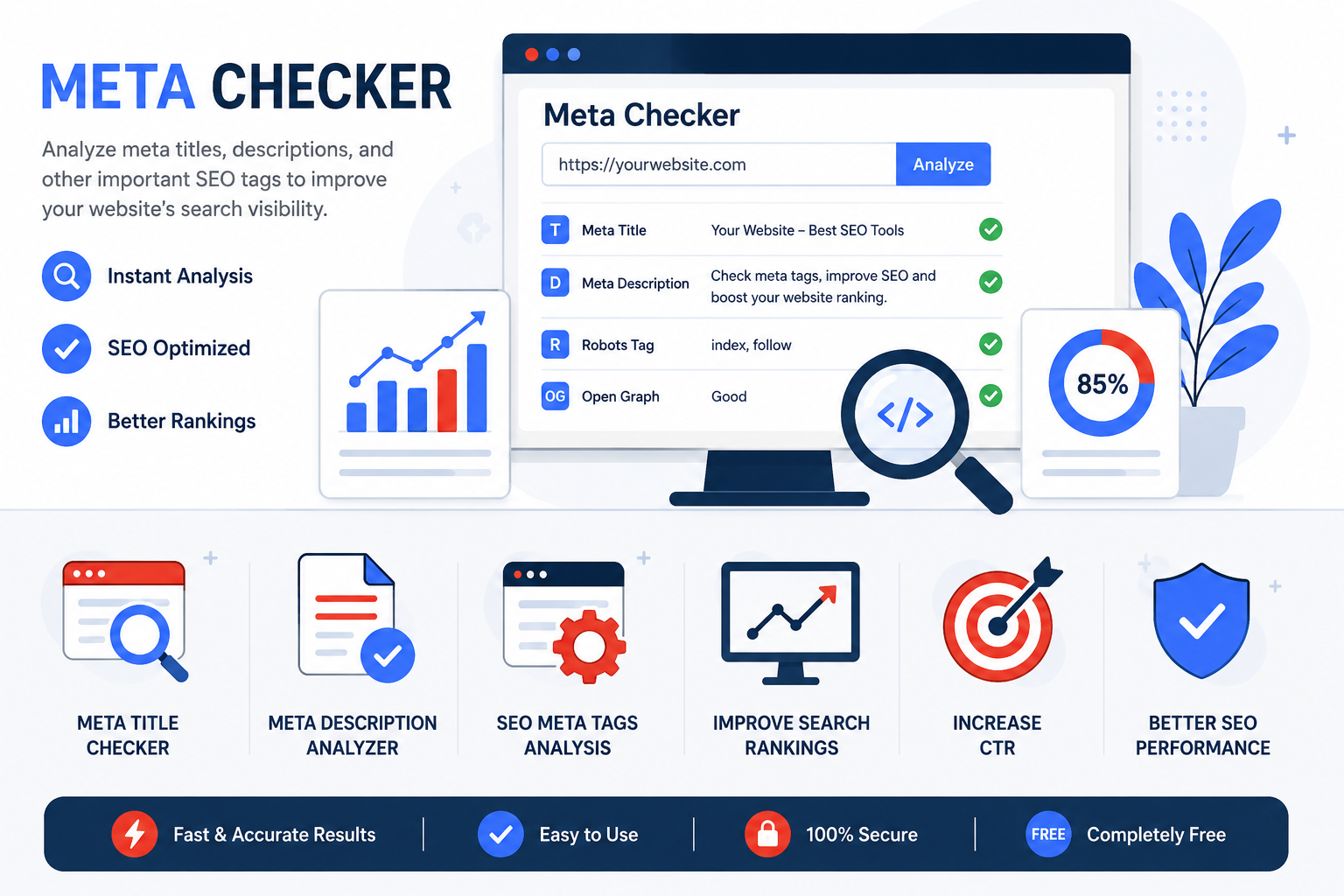
A Meta Checker Tool helps website owners, SEO professionals, bloggers, and digital marketers analyze the meta tags of a webpage. Meta tags provide important information to search engines about the content of a page and play a key role in search engine optimization (SEO).
By using a Meta Checker, you can instantly review your meta title, meta description, robots tags, Open Graph tags, and other SEO elements. This helps identify optimization opportunities that can improve search visibility, click-through rates (CTR), and overall website performance.
Whether you manage a personal blog, an eCommerce store, or a business website, checking your meta tags regularly can help ensure your pages follow SEO best practices and remain competitive in search results.
How to Use the Meta Checker Tool
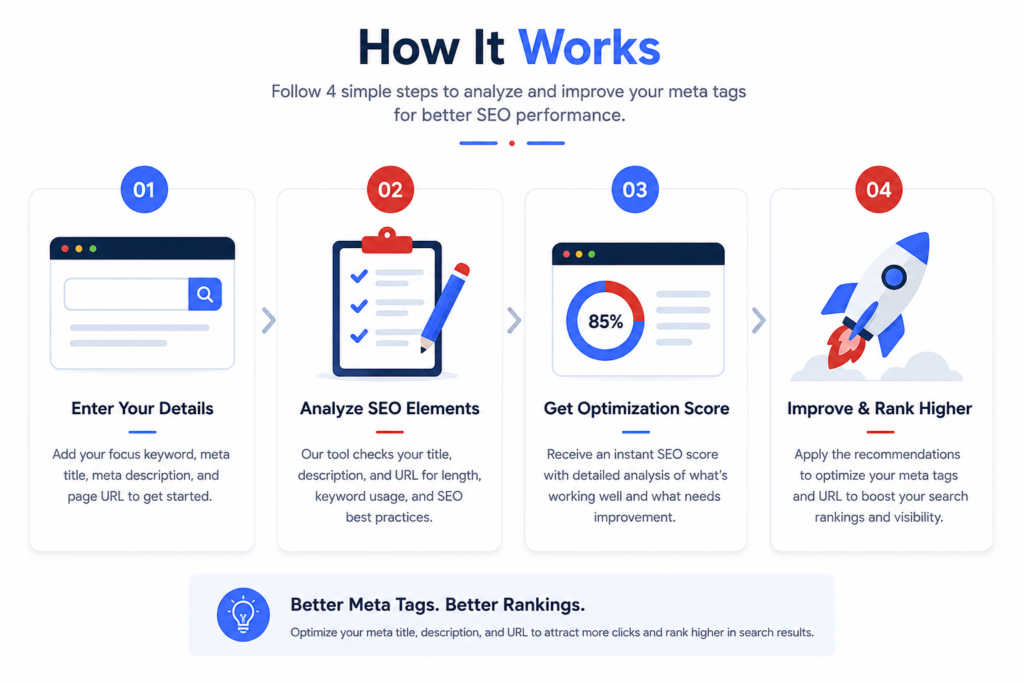
Enter Your SEO Details
Analyze SEO Elements
Review Your Optimization Score
Apply Recommendations & Improve Rankings
Key Features of Our Meta Checker Tool

Common Meta Tag Mistakes That Hurt Your SEO
If you leave your meta description blank, Google picks random text from your page — which often looks bad and reduces your CTR. Always write a unique, keyword-rich description for every page
A title that is too long gets cut off in search results. A title that is too short does not give Google enough context. The ideal length is 50–60 characters.
Using the same meta title and description on multiple pages confuses search engines and lowers your rankings. Each page needs a unique title and description.
Repeating keywords too many times in your title or description looks spammy to both users and search engines. Keep it natural and readable.
FAQ's
How to check the meta of a page?
To check the meta tags of a webpage, enter the page URL into a Meta Checker tool and run the analysis. The tool will extract important SEO elements such as the meta title, meta description, robots tag, Open Graph tags, and other metadata. Reviewing these tags helps ensure your page is optimized for search engines and users.
What is a meta tag checker?
A meta tag checker is a free online tool that scans any webpage URL and shows you all the meta tags found in its HTML code — including meta title, meta description, robots tag, canonical tag, Open Graph tags, and Twitter Card tags. It helps you identify missing, duplicate, or poorly optimized tags that may be hurting your SEO.
How do I check meta tags of a website?
Simply enter the full URL of the webpage in our free meta tag checker tool and click the “Check” button. The tool will instantly display all meta tags with length, keyword analysis, and improvement suggestions. You do not need any technical skills or browser extensions.
What is the ideal meta description length?
The ideal meta description length is between 150 and 160 characters. Google typically displays up to 155–160 characters before cutting off the text with “…”. Our meta description checker shows you the exact character count so you can optimize accordingly.
What is the difference between a meta title and a page title?
The page title (H1) is what users see on your actual webpage. The meta title (title tag) is what appears in Google search results and browser tabs. They can be the same or different, but both should include your primary keyword.
Is this meta tag analyzer completely free?
Yes! Our meta tag checker tool is 100% free to use with no signup, no registration, and no limits. Simply paste a URL and check as many websites as you want.
How to check SEO meta description?
You can check an SEO meta description by entering your page URL or meta description into an SEO Meta Description Checker. The tool evaluates factors such as description length, keyword usage, readability, and relevance. A well-optimized meta description should accurately summarize the page content and encourage users to click from search results.
Which SEO checker is best for beginners?
The best SEO checker for beginners is one that provides simple reports, clear recommendations, and easy-to-understand optimization tips. A beginner-friendly SEO checker should analyze meta tags, keywords, URLs, and basic on-page SEO factors without requiring advanced technical knowledge. Tools that offer instant results and actionable suggestions are ideal for learning and improving website SEO.
Why are meta titles, descriptions, and URLs important for SEO?
Meta titles, meta descriptions, and URLs help search engines understand the content and purpose of a webpage. A well-optimized title can improve search rankings, a compelling meta description can increase click-through rates (CTR), and a clean URL structure enhances both user experience and crawlability. Together, these elements play a key role in on-page SEO and search visibility.